Avery's Label Size Guide
Choosing the right label size for your product or project doesn’t have to be guesswork.
Whether you’re labelling jars, bottles, parcels, or packaging, size matters — for both fit and impact. Labels that are too big look messy; too small and they don’t communicate. Use this guide to find the perfect fit for custom labels and stickers — fast.
Before we dive into measurement tools, let’s break down why size is important:
Professional presentation: Labels that fit well increase perceived value.
Accurate information: Enough space for text, branding, barcodes or legal info.
Reduced waste: Get it right first time and avoid reprints.
Better printing results: Correct sizing works better with templates and avoids scaling issues.
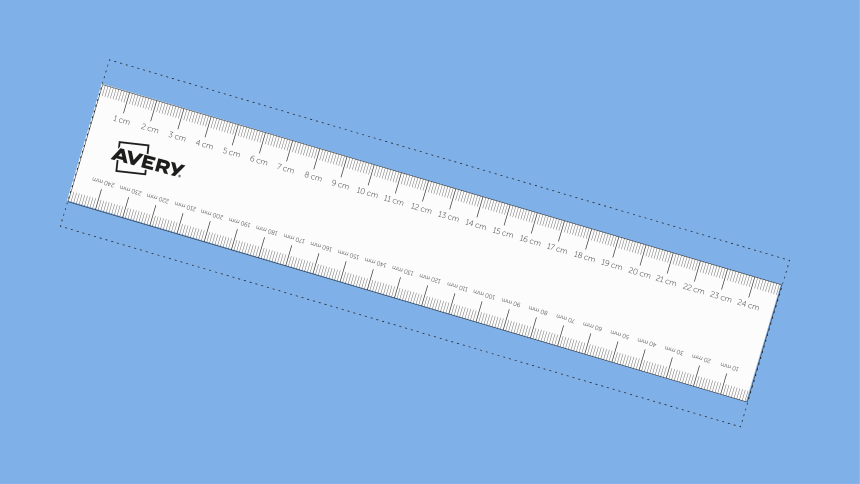
OPTION 1: Printable ruler
Download and print this handy ruler to measure the surface of where your label will be applied. It's great for curved surfaces as it will conform to the shape and give an accurate reading. Just make sure to take the measurement in mm!
Download Now
OPTION 2: Printable Label Shapes in the Most Popular Sizes
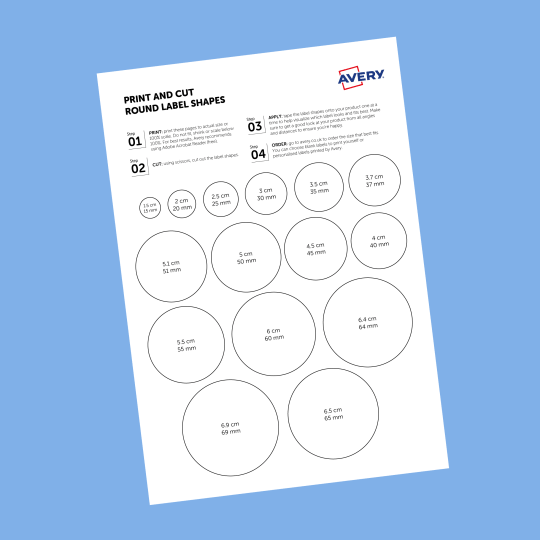
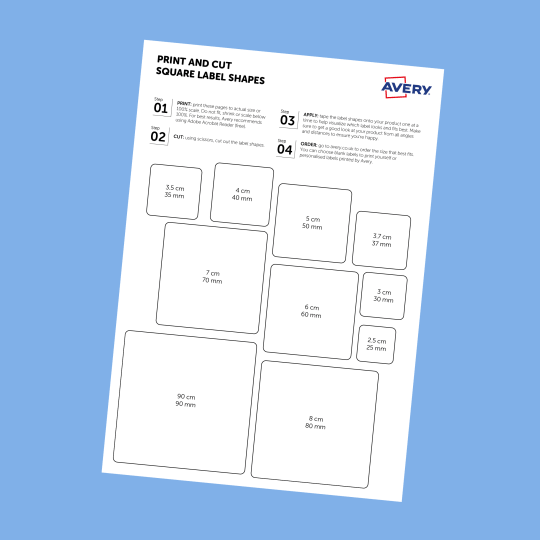
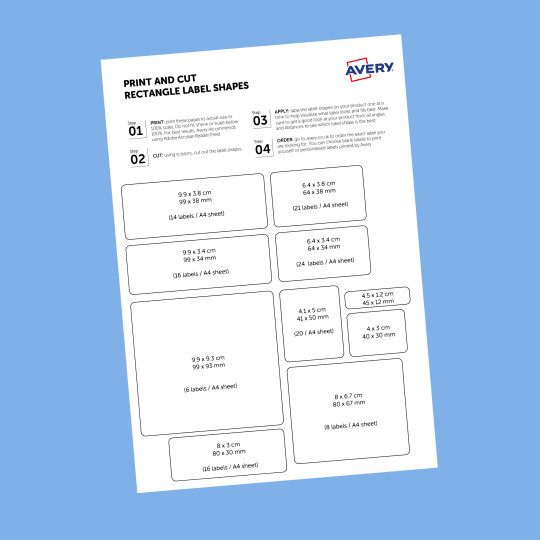
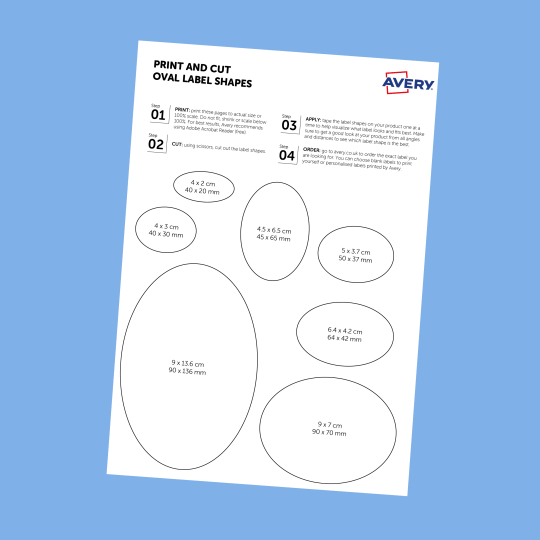
We offer a wide range of shapes for our labels and stickers but these four are by far our most popular. We've looked at hundreds of thousands of orders to find the top sizes for each shape so you're almost guaranteed to find something that suits your needs. Just download the free shape printout of your choice, print it off, cut them out and place them where you want a label to go.
OPTION 3: Label Size Guide for Popular Uses
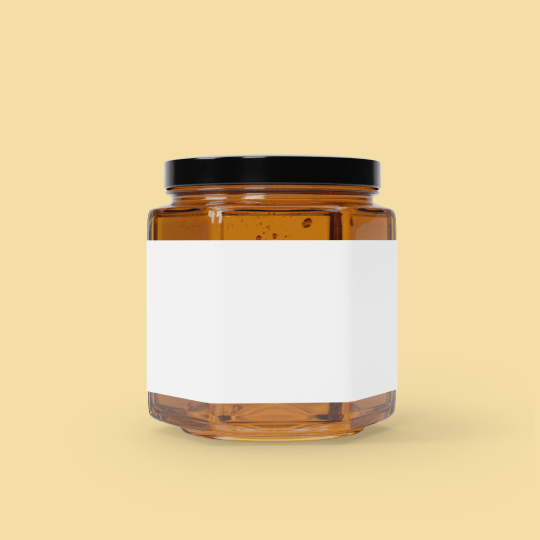
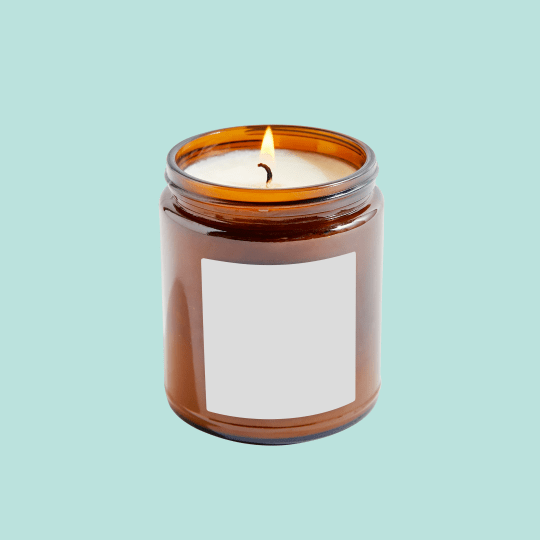
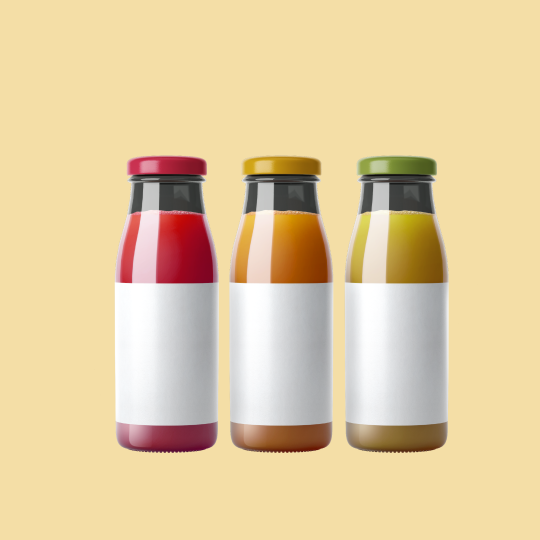
Sending parcels or letters? Use our Shipping Label Size Guide to find the perfect size.
Our main customers for labels and stickers are small business owners! They're busy people who don't have time to waste getting things wrong, these size guides are designed for them. Each guide is based on a popular industry for small business owners or a popular type of container they use for their products. Have a look at these guides if you're in need of labels for your containers as they go into detail on the right label size for the most popular containers for different orientations and lid and bottom labels.
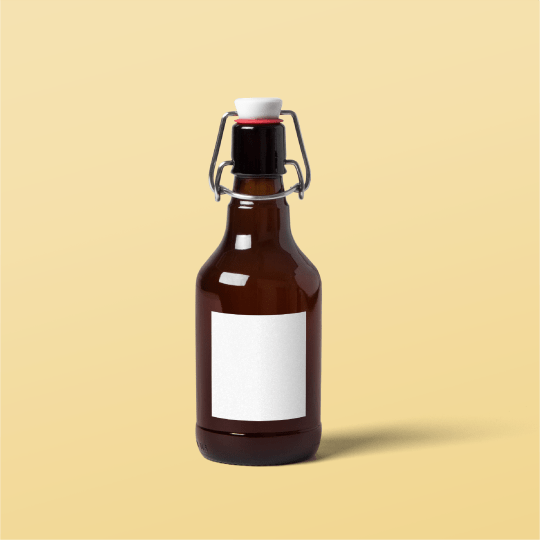
Measuring a curved bottle or any object is easy, Simply use our printable ruler to easily measure curved or round objects. If you can't do this, you can always wrap plain paper around the curved object, mark the edges edges, and then measure it flat — this gives you accurate width & height for your label.
Yes! Use Avery’s Design & Print Software with your Avery labels. Input the code printed on your labels and the software will retrieve the size of your labels, you simply then design and print using your home printer!
That really depends on the lid diameter — measure with a ruler or printable cut-out shape to find the best fit.
If you've measured and no pre-configured label sizes are immediately obvious, do not panic, we offer completely custom sizing so you can choose to the millimetre your perfect label size!