
Create Custom QR Code Stickers
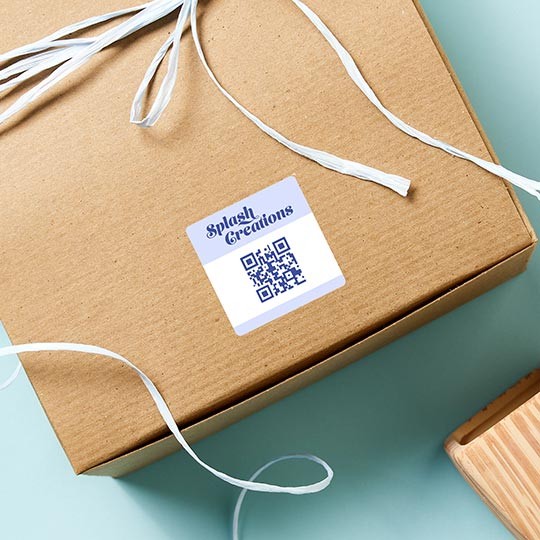
Advertise your website, contact info, offers and more with our QR code stickers.
See detailsQR code stickers that send customers to your website or reviews page
- Generate and print QR code stickers with ease
- Watch the video on how to create a QR code
- Customise with your logo or design
- Add text and images
- Professional, full-colour printing
- Choose any shape, size, material or finish
- Variable Data Printing - available on Sheets Info
Design File Guidelines
- File format: pdf, jpg, png, psd, eps, ai, tiff
- Resolution: minimum 300dpi resolution at print size
- Text size: 6 point size or greater
- Line thickness: 0.5 point or greater
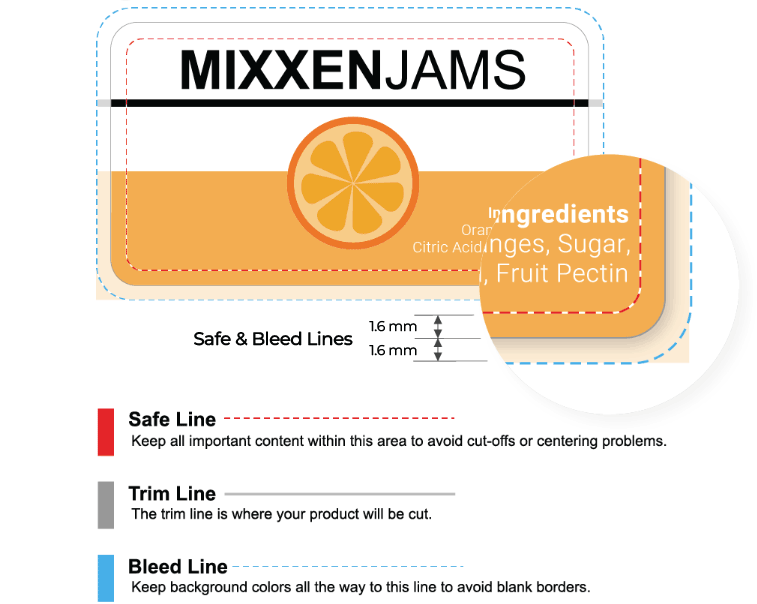
- Bleed: 1.6 mm all around the design
- Colour mode: CMYK (recommended), RGB
- Background: transparent for clear and coloured materials
Design & Print
Click the "Start designing or upload" button to create designs using our free Design & Print editor or upload your finished artwork.
- Free Templates – Browse a library of pre-designed templates
- Images – Browse our free image library, upload your own, or remove backgrounds with a single click
- Mail & Data Merge – Easily import contacts or data with our mail merge feature for simple variable data printing
- QR codes & barcodes – Generate QR codes, barcodes, serial numbers, batch codes, and sequential numbering
- Cloud-based – Design on any device, save to the cloud, and access your projects anywhere
File Layout
Order online
- Configure your label – Choose from a range of formats, shapes, sizes, materials and finishes to suit your exact needs.
- Artwork check – Catch mistakes before they reach print with our automated artwork check — just £4.99 per order line, saving you time and money.
- Custom quantity – Order precisely what you need using our flexible quantity field — no minimums, no waste.
- Clear, tiered pricing – Instantly compare costs across quantities and take advantage of built-in volume discounts.
We're here to help!
- Email: [email protected]
- Phone 0800 80 50 20
- Lines are open 9am to 5pm Monday to Friday
Delivery Options
| Method | Price (incl. VAT) | Delivery time |
|---|---|---|
| Standard | £5.99 FREE over £55 | 1-3 working days Roll: 13-15 working days |
| Access Points | £4.99 FREE over £55 Collect at a convenient point | 1-3 working days Roll: 13-15 working days |
| Express | £9.98 Sheet labels only. Excludes gloss & matt lamination. | Next working day Order before 12 noon |
Browse ready-made QR sticker designs and customise one in a few clicks
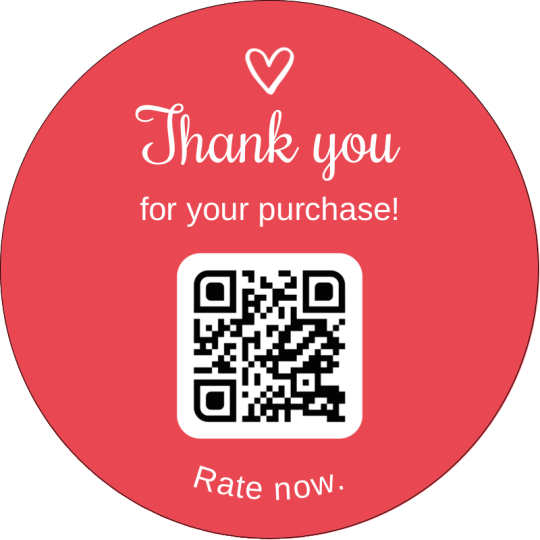
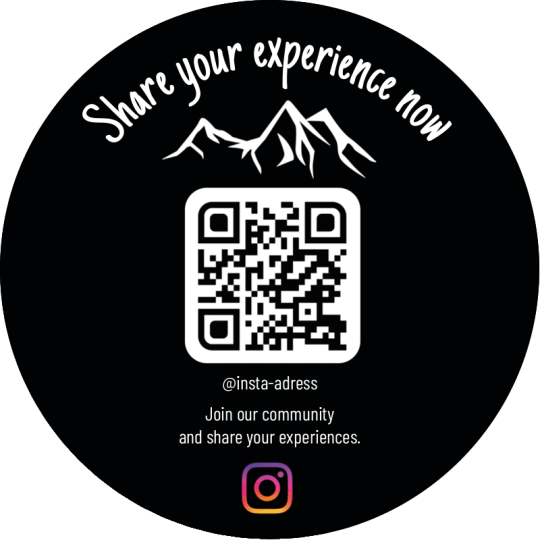
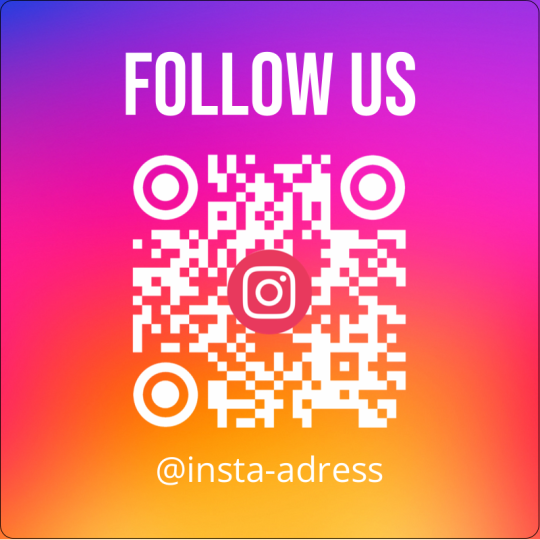
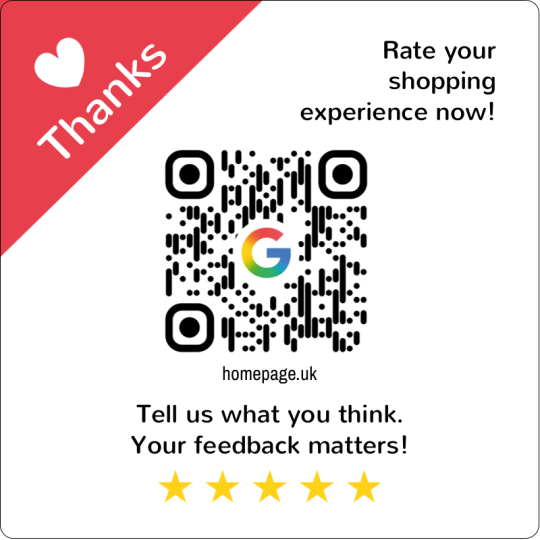
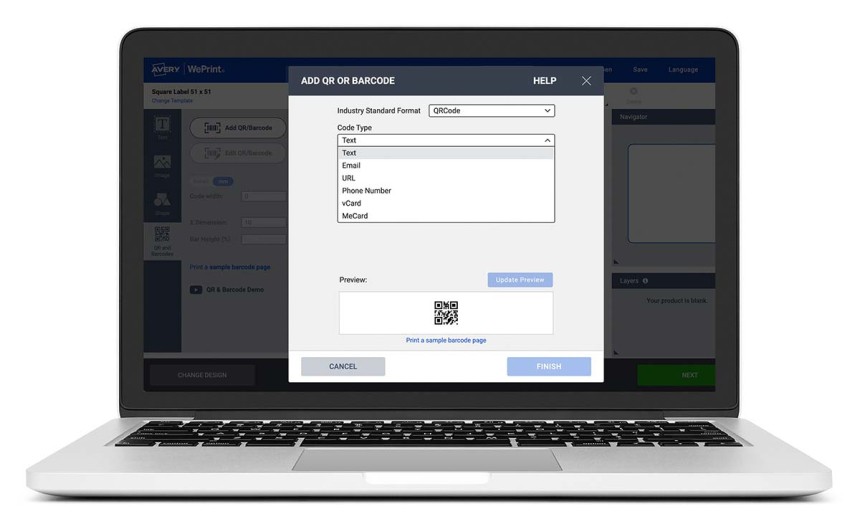
Make custom QR code stickers with Avery's free Design & Print software
Generate QR Codes
Design & Print is Avery’s free label printing software, it allows you to create everything your QR Code labels and stickers need including barcodes with its free barcode generator that makes EAN, QR codes and over 15 other code types.
QR types include: Text, Email, URL, Phone Number, vCard, MeCard
Personalise QR Codes
Add your unique QR code to any sticker shape or size. Personalise with your logo, brand colours, text and images. QR codes can also be added to our business cards, tags and postcards.
Share QR Codes
Using a smartphone, customers scan the code to instantly open your website, social media page or promotional offers. Great for collecting reviews and feedback about products and services.
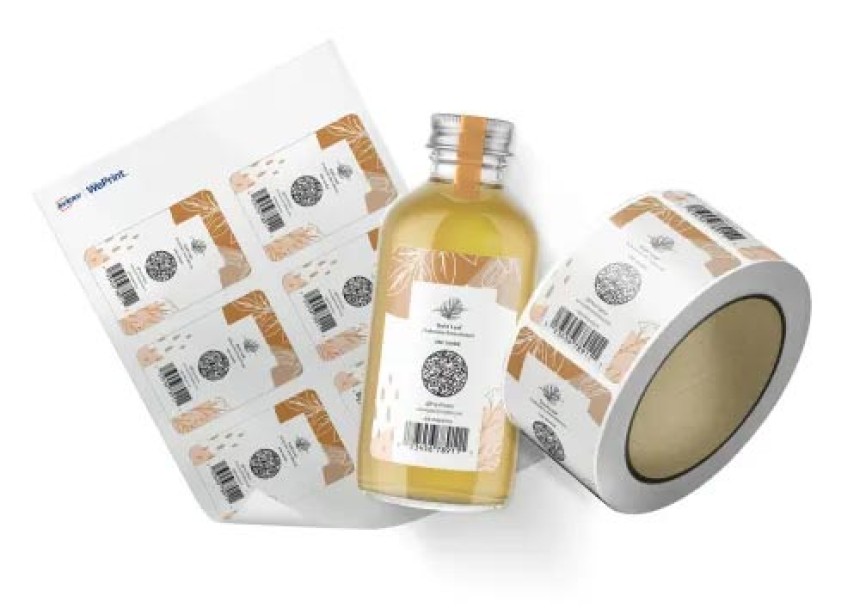
Buy QR code stickers online
Take advantage of our professional printing service and our free QR code generator to order printed QR code stickers online. Customise your stickers online, and we will handle the rest using our latest digital presses.
The Avery QR code generator simplifies the creation and customisation of QR code stickers. You can order your stickers and labels in various formats, including sheet, roll, or single cut. This is perfect for marketing, inventory tracking, shipping, and more.
Remember, orders over £55 ship for free.
Watch how to create and add a QR code to your sticker
Video length: 1 minute 17 seconds
How to put different QR codes on the same sheet of labels?
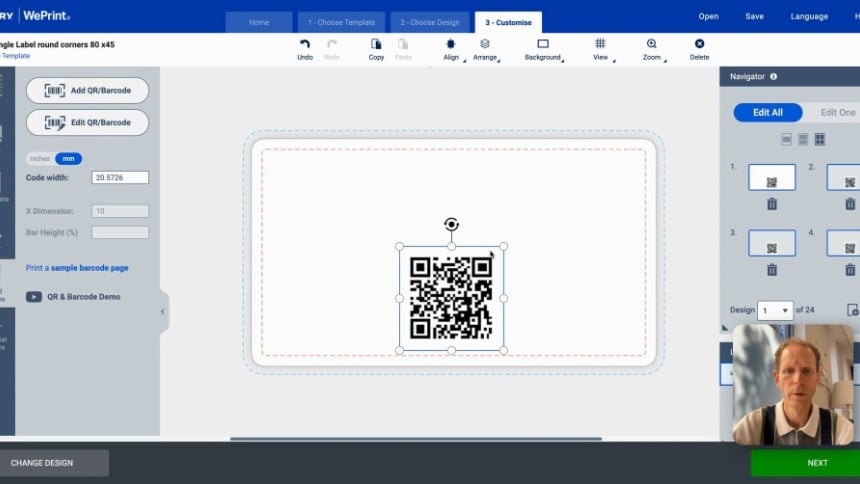
At Avery, we use digital printing presses, allowing us to print unique information on each sheet label.
To create variable QR codes, follow the steps below:
- At the top of the page configure your label shape, size, material and quantity. Please note that this service is only available for the 'Sheets' format.
- Click the 'Start designing & upload' button to open Design & Print.
- Choose the 'QR and Barcodes' option in the left sidebar.
- Provide your variable date in one of these ways:
- Enter manually
- Spreadsheet
- Sequential Number
- Check your data by clicking the thumbnails in the 'Navigator' pane to the right.
- Click 'Next' to review printing options.
QUESTIONS? WE’RE HERE TO HELP!
Call free on 0800 80 50 20 between 9am-7pm Mon-Fri. Sat 9am-1pm
QR Code FAQs
Design & Print is Avery’s free label printing software, it allows you to create QR codes and 15 other code types with its free barcode generator.
Watch our short QR sticker video
Using the free Avery software you can generate the following QR formats.
- Text
- URL
- Phone Number
- vCard
- MeCard
Avery offers two ways to print QR codes.
1. Use our custom printing service and order professionally printed QR code labels online using the configurator at the top of the page. Pick the sticker shape, size, material and finish. You get an instant price and then you can use our free QR code generator. Design your labels online and WePrint and deliver them to your door.
2. Print from home using our wide selection of blank labels. To help you print, you will find a link on each product page to open the correct template in Avery Design & Print Online.