Blank Business Cards
Buy quality white business cards, compliment cards & postcards for inkjet printers and personalise using Avery Design & Print. See details
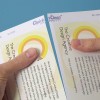

Description
Reasons to buy Avery Blank Business Cards
- Inkjet printer compatible
- Heavyweight 260gsm white card
- Matt finish
- Square corners
- Double-sided print giving you more space to communicate
- Avery Quick&Clean™ technology enables fast separation and leaves totally smooth edges
- Save time with our FREE, easy-to-use template software: Avery Design and Print
Size options
- Business cards (85x54mm) 8 on A4 sheet
- Compliment cards (size 210x99mm) 3 on A4 sheet
- Postcards (size 128x82mm) 4 on A4 sheet
Product Support
Order, Design & Print
Order
- Choose your cards - Pick the size and material.
- Order - Once you place your order, you'll receive your blank cards at the address you provided within 1 to 3 working days.
- Create the design - Whether you have a ready-made design or want to create one from scratch, you'll need to go to our design software. From there, you can enter your software code received with the product, select a template or Microsoft template.
- Print your cards - Bring your design to life by printing your cards. To do this, click "Preview and Print" in the bottom right corner of our software.
We're here to help!
- Email: [email protected]
- Phone (free): 0800 80 50 20 - Hours: Mon–Fri 9am – 7pm, Sat 9am – 1pm
Design & Print
Personalise your blank cards and print using our free online Design & Print editor.
- Free Templates – Browse a library of pre-designed templates
- Images – Browse our free image library, upload your own, or remove backgrounds with a single click
- Mail & Data Merge – Easily import contacts or data with our mail merge feature for simple variable data printing
- QR codes & barcodes – Generate QR codes, barcodes, serial numbers, batch codes, and sequential numbering
- Cloud-based – Design on any device, save to the cloud, and access your projects anywhere
Blank Business Card Packs
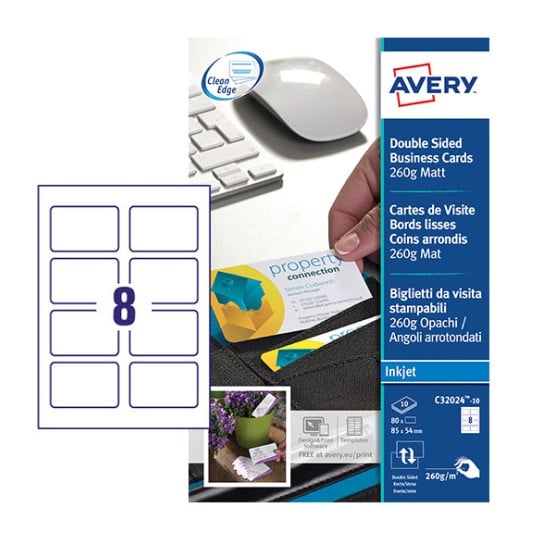
C32024-10
85 x 54 mm
260 g/m²
Inkjet
£15.30
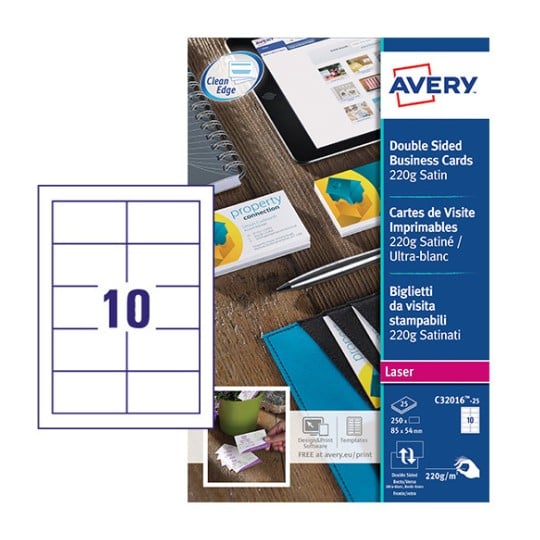
C32016-25
85 x 54 mm
220 g/m²
Laser
£20.02
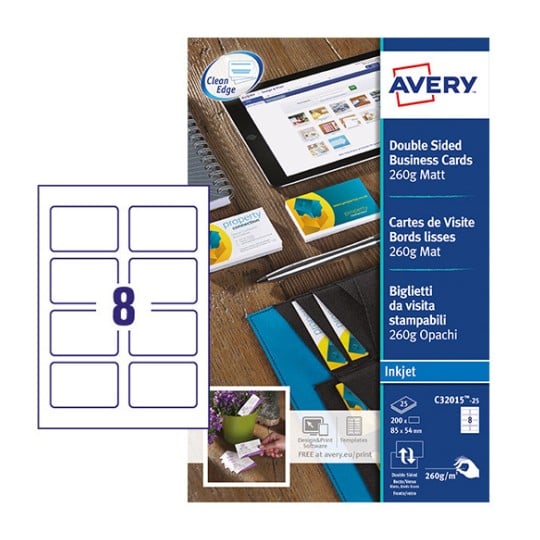
C32015-25
85 x 54 mm
260 g/m²
Inkjet
£20.02
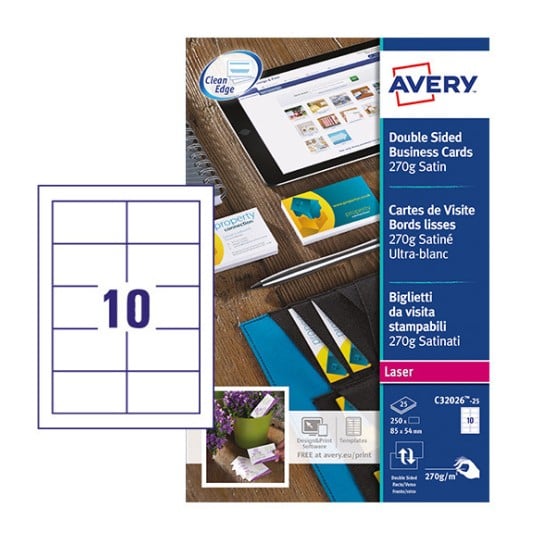
C32026-25
white
£31.49
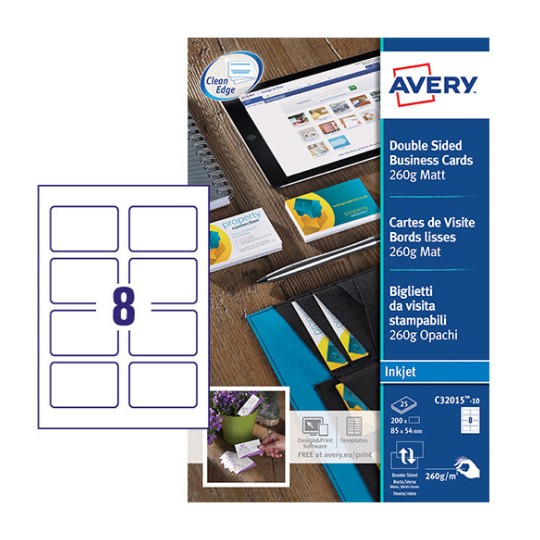
C32015-10
white
£15.73
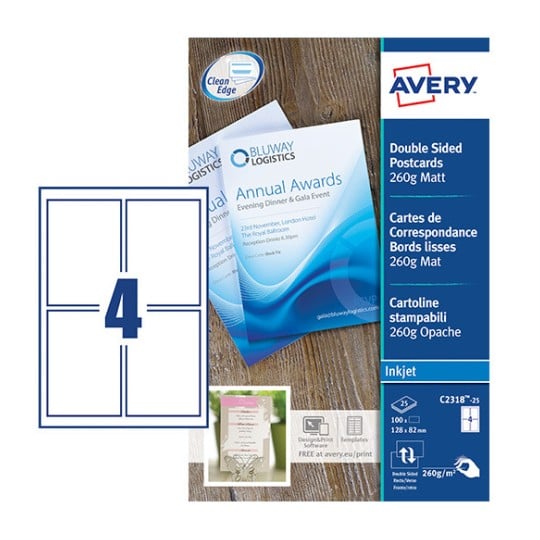
C2318-25
white
£26.24
Printing compatibility and practical considerations
A few practical points help you get the best printable business card results at home or in the office.
- Printer type: Most paper-based cards work with both inkjet and laser printers, while glossy and plastic stocks are matched to specific printer types, so check the pack before you print.
- A4 sheet format: Our cards come on standard A4 sheets that feed straight through everyday office printers, tested across the printers we recommend.
- Coatings and ink: Surface coatings affect ink adhesion, so uncoated and matte surfaces absorb ink easily, while glossy needs compatible settings for the sharpest business card printing paper finish.
- Home versus professional: Print your own for speed and small runs, or choose personalised business cards for a professional finish without printing yourself.
- Design help: Use free Design & Print templates to set up your business card paper stock in minutes.