Avery Label Wizard
Your Microsoft® Office® Assistant
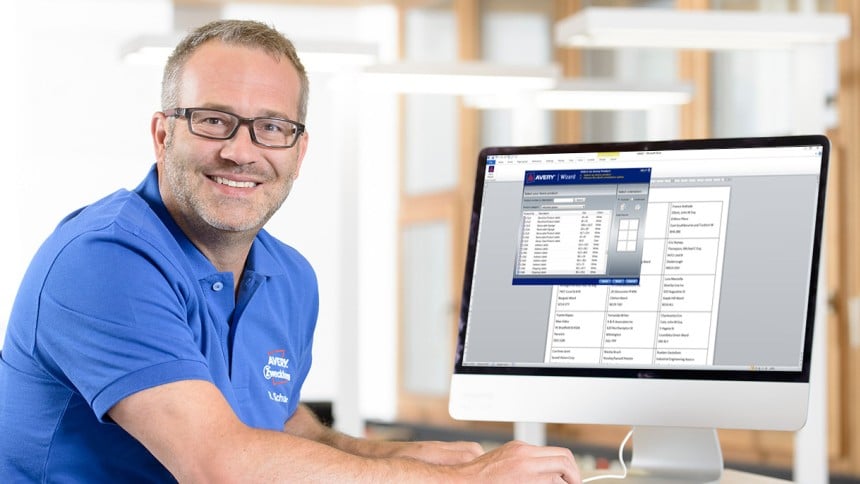
Avery have worked in partnership with Microsoft® for over 30 years to help you create the perfect labels and custom stickers. The Avery Wizard for Microsoft® can be installed inside Office® 2013 (or earlier). When activated, you will be given step by step guidance on how to create address labels, business cards and more.
Avery Wizard only works with 2013 or earlier versions Word®, Excel®, Access® and Outlook®. We suggest creating our labels with Avery's own label creating software: Avery Design & Print.
It’ll soon be time to say goodbye…
We’d like to thank Avery Wizard for its many years of service, but the software will be retiring soon. The Wizard download below will only work with Microsoft® Office® 2013 or earlier. If you currently use Office® 2016, or you want to try different software solutions from Avery, read our Software Overview to discover the right one for you.
Avery® Wizard Software Features
- Easy Mail-Merge within Microsoft® Word
- Import lists from Microsoft® Excel and other databases
- Customise and print your Avery products within Microsoft® Office
Download Wizard
System Requirements
- Microsoft® Windows® 8, 7, Vista® or XP
- Microsoft® Office 2013, 2010, 2007, 2003 or XP (not compatible with Microsoft® Office Starter 2010)
- 40MB available disk space
- If your system doesn't meet the requirements above, you can also find templates in Avery Design & Print Online.
Instructions for Download
- Close all open Microsoft applications
- Click on the “Download Wizard” link below
- Choose to Run the download and follow the on-screen instructions
- If you have difficulties downloading, restart your computer and follow this process again